1) First of all, login into your Zimbra account.
2) Select “Preferences” from the options on top of the screen.

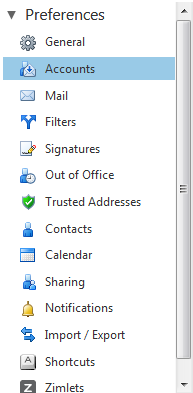
3) Choose “Accounts” under Preferences from the list on the right of the screen.
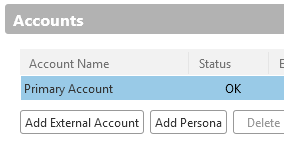
4) Under Accounts, you will see a button for “Add External Account”. Click on it.
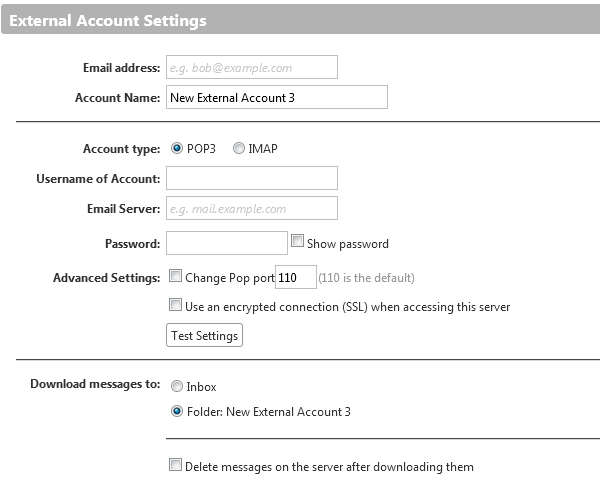
5) You are required to fill in the details for the settings for the external account.
6) Remember to click on “Save” to complete the adding of the account.